Connections
Everybody has more than one group they connect with
One of your Crew asks if you’d like to join the pool team they are in — and tell them about Sentlive too.
But how could that whole group stay connected?
The Pool Team
Sam
Rich
Dave
Adam
Bill
Neil
Loops
Sentlive lets you segment and connect with different groups
The heartbeat of Sentlive
CALMs and Signals
Quiet reassurance when everything is normal.
Clear signals when it isn’t.
CALMs
Regular updates confirming everything is normal.
Signals
When something needs attention.
Sentlive messages are sent with a single button — tap for Calm, press and hold for Signal.
The same action works whether you’re messaging your Crew or a Loop. (Try the demo →)
Prompting reassurance
If an expected CALM doesn’t arrive
The regular heartbeat of “everything’s normal” has stopped.
Did they forget?
Or has something happened?
Set Instant Check
Alice
You
Today 10 am
No CALM sent as normal
Instant Check sent
Today 10:05 am
“Are you OK?”
Today 10:20 am
CALM received
Relieved
She was busy and simply forgot!
Automatic reassurance
Regular checks so nobody forgets
Quiet reassurance, on a schedule.
Set Checks on others, and yourself.
Once, daily, or weekly — at a time you choose. If everything is fine, a Calm comes back — and the moment passes quietly.
Set Scheduled Check
Alice
You
2 days ago
Daily Check Set
Yesterday 1:00 pm
Automatic Check sent
1:05 pm CALM received
Relieved
Today 1:00 pm
Automatic Check sent
1:05 pm CALM received
Relieved
If they don’t respond
Sentlive quietly raises an alert
An Extra Safeguard
Checks can include a No Response Alert.
If someone doesn’t respond within a choice of 15, 30 or 60 minutes, the whole Crew, or Loop, will be alerted. Loops have their own separate page that allows members to send and receive CALMs and Signals, and set Checks, on other members.
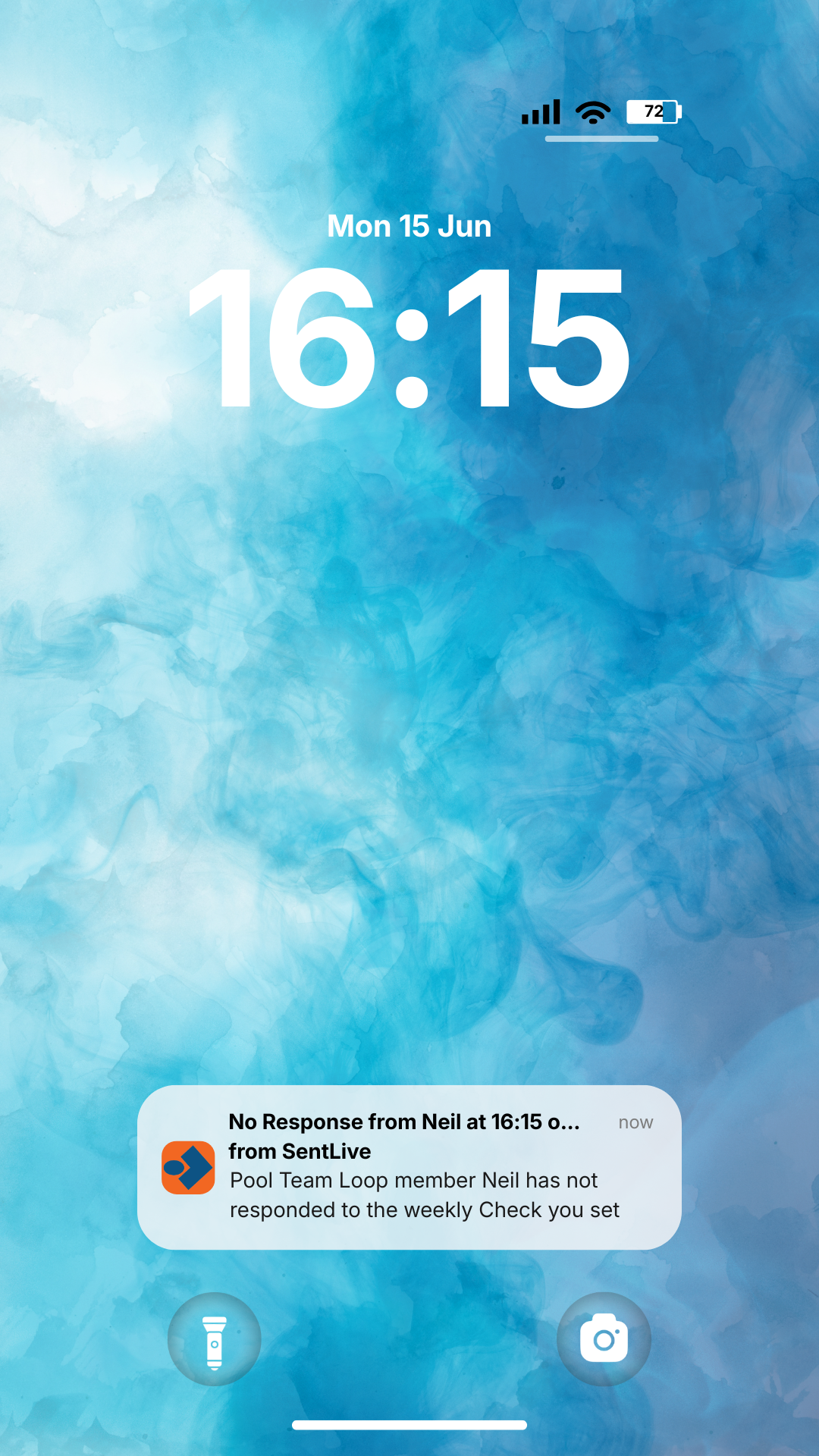

If a check goes unanswered, Sentlive quietly acts as a sentry.
Neil
You
2 weeks ago
Weekly Check Set
Every week Monday 4:00 pm
Automatic Check sent
Last Monday 4:05 pm
CALM received
Relieved
This Monday 4:15 pm
No Response Alert received
Concerned
Monday 4:18 pm
Called Neil – no answer
Concerned
Monday 4:25 pm Neil called
Relieved
His phone battery died and he only just realised!
Common Questions
Who receives my Calm or Signal?
If you use the main Crew button, your Calm or Signal is sent instantly to the people in your Crew.
If you send from a Loop button, it goes to the other members of that Loop.
Do the people I connect with also need Sentlive?
Yes. Sentlive works between members so messages can be delivered instantly.
What happens if someone doesn’t respond to a Check?
If you set a delay when sending a Check, Sentlive can raise a No Response alert to the relevant people if nothing is received.
How much does Sentlive cost?
Sentlive offers free and paid plans depending on how many people you want to connect with.
See the Pricing page for details.
For more details about the features here, and additional features available, please visit our Knowledge Base
About Sentlive
Sentlive was created to make it easier for people who care about each other to stay quietly connected.
Instead of messages like “Text me when you get home” or “Let me know when you arrive,” Sentlive lets you send reassurance instantly with a single action.
A quick Calm lets your Crew know everything is normal. A Signal lets them know attention is needed.
Checks add another layer — allowing people to ask for reassurance, or schedule it in advance. If something doesn’t come back when expected, Sentlive can quietly raise attention.
It’s a simple idea built around trust: the people in your Crew looking out for one another, with Sentlive standing quietly in the background.
A quiet presence in your pocket — ready when reassurance matters.
